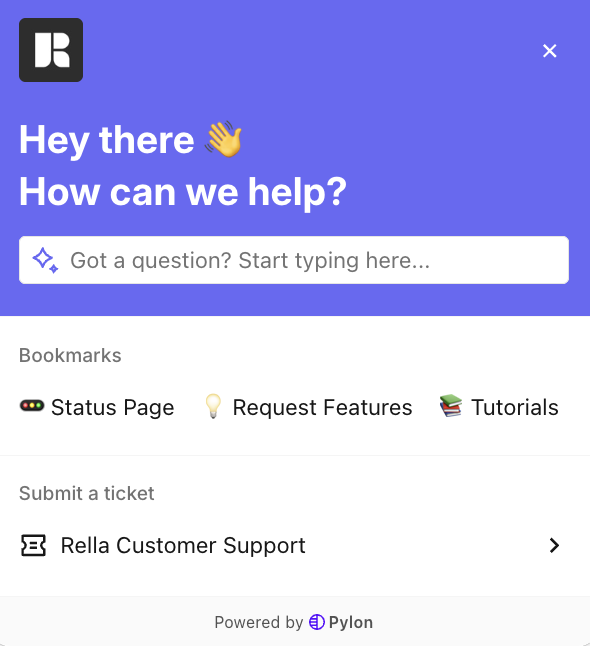
Get Support via In-App Support Widget
Last updated: June 12, 2026
If you run into an issue, have a question, or need assistance, you can submit a support ticket with Rella's support team directly inside the app.
You can also search your question to see if the answer is available in our knowledge base!
Before you start
This feature is available to all logged-in users.
The chat widget does not load on public, anonymous shared content links.
How to Submit a Support Ticket
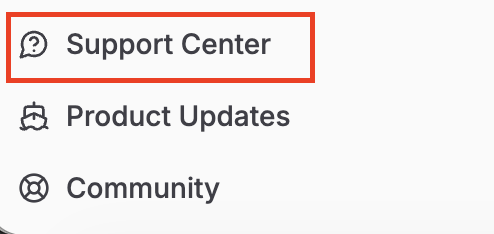
1. Look for the support chat icon in the global navigation bar at the top or bottom of your screen.
2. Submit a support ticket directly within Rella