Preview Instagram Feed
Last updated: May 31, 2026
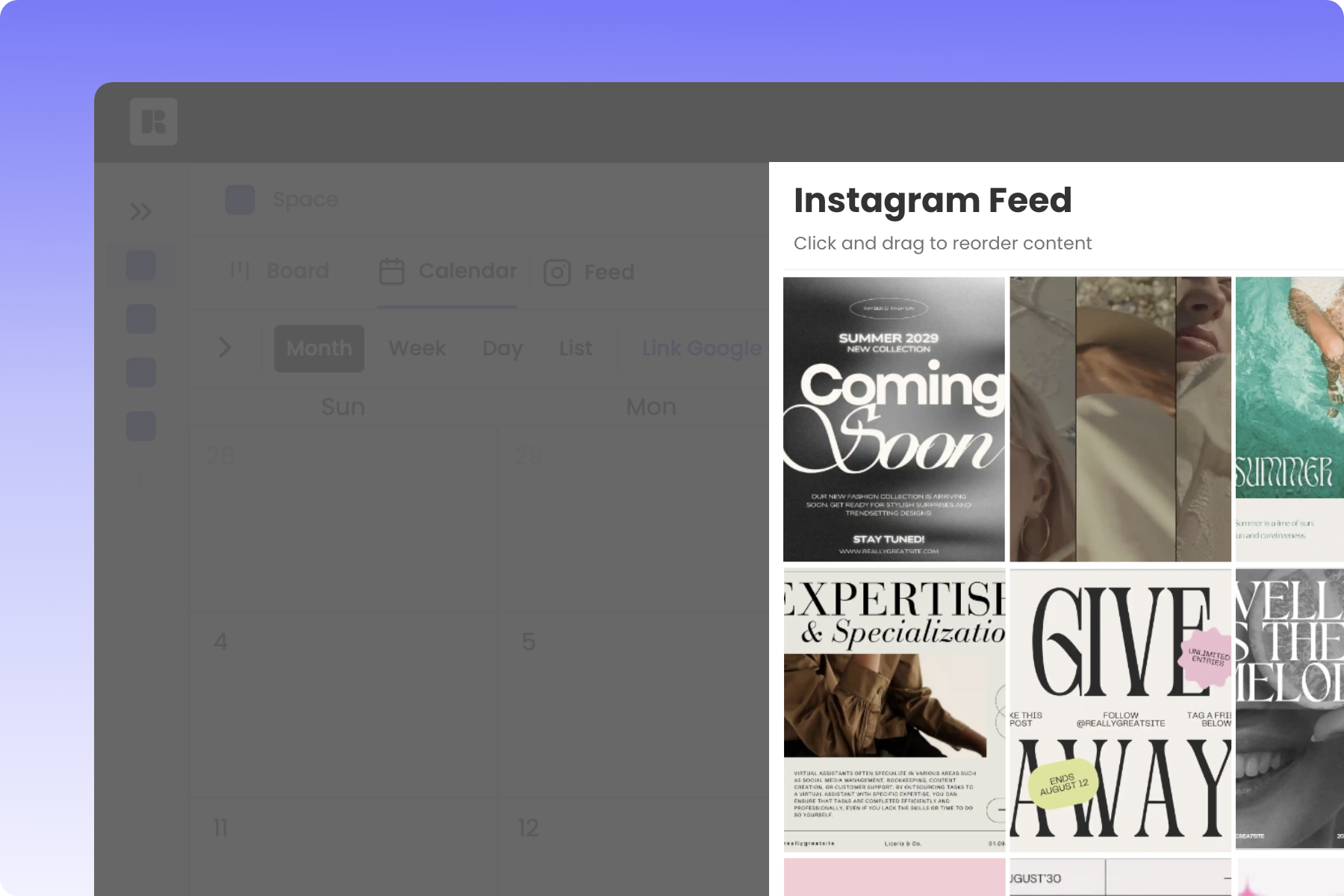
About Rella’s Feed Planner
Preview, re-order, and align your feed with your brand on Instagram with ease. Share a Project to allow clients to preview their Instagram grid.
How to Use Rella’s Feed Planner
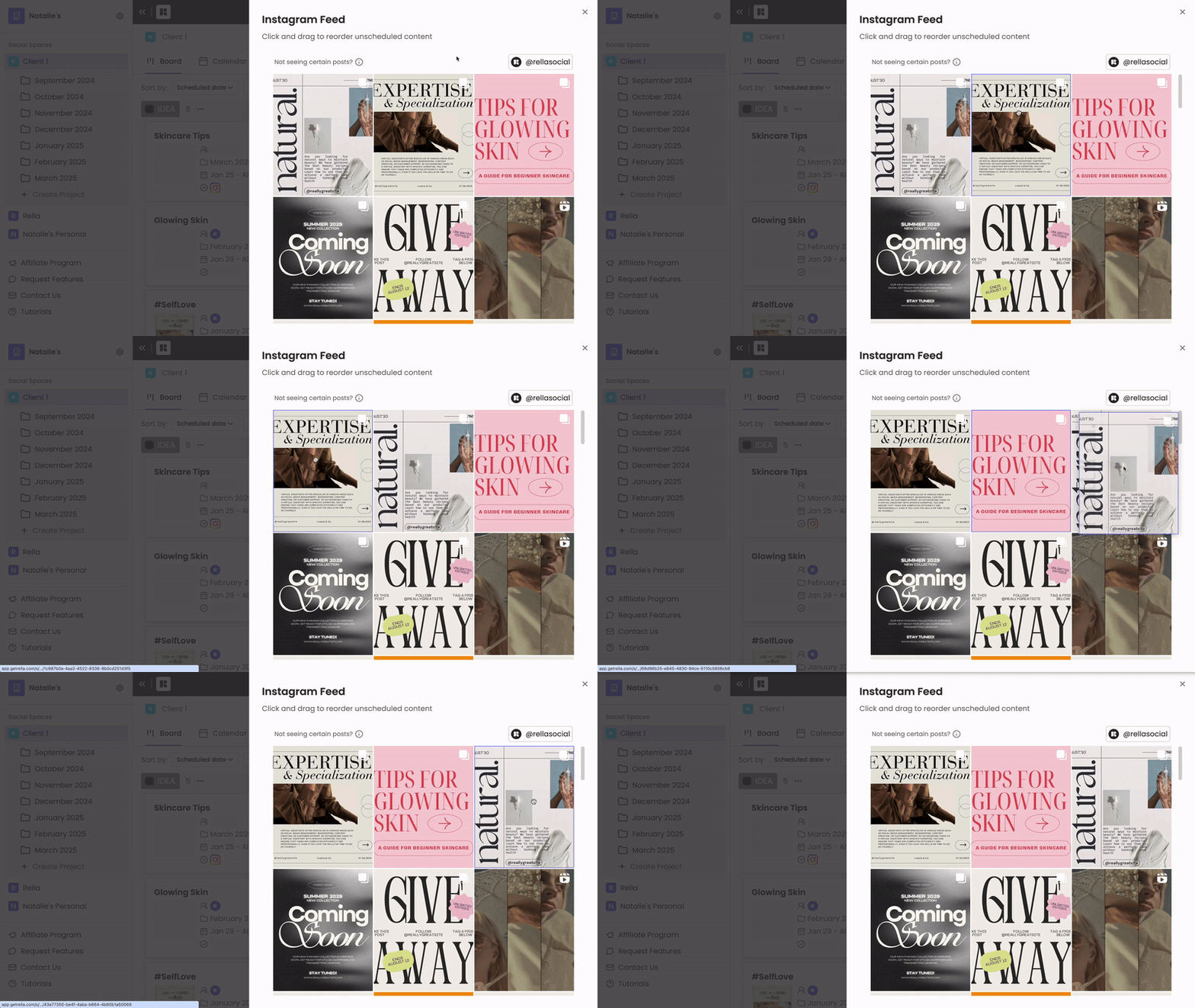
Click and drag to reorder unscheduled content. Link an Instagram profile to view published content alongside planned content.
Feed Planner FAQs
Do I need to link an Instagram account?
You can plan and preview Instagram content with Rella’s feed planner without linking an Instagram account. If you’d like to see content that’s already been published to Instagram, you’ll need to link an account.
Can I view Reels on the feed planner?
On Reels will automatically show on Rella’s feed planner. You can hide a Reel from the feed planner by clicking into a post and toggle off “IG Feed.”
Does Rella support Instagram’s 4:5 ratio grid?
Yes, all content within Rella’s Instagram feed planner will be displayed in Instagram’s 4:5 ratio (1080x1350 dimension).
Why can’t I reorder content?
Content with a date/time attached cannot be reordered. From the feed, click on a post to remove the date/time if you’d like to reorder content.
Why can’t I see content on my feed?
In order to see posts on your feed,
The platform on the posts must be set to Instagram
If it is an Instagram Reel, the "IG Feed" toggle must be on
The content is scheduled for a future date or unscheduled